The Learning Days calendar on your dashboard shows your activity throughout the month. Every day you log in or practice, the calendar marks it — so you can see your progress at a glance and build a consistent study habit.
Where to find the calendar
The Your Learning Days calendar is located on your student dashboard. It shows the current month and updates automatically every time you log in or complete an activity.
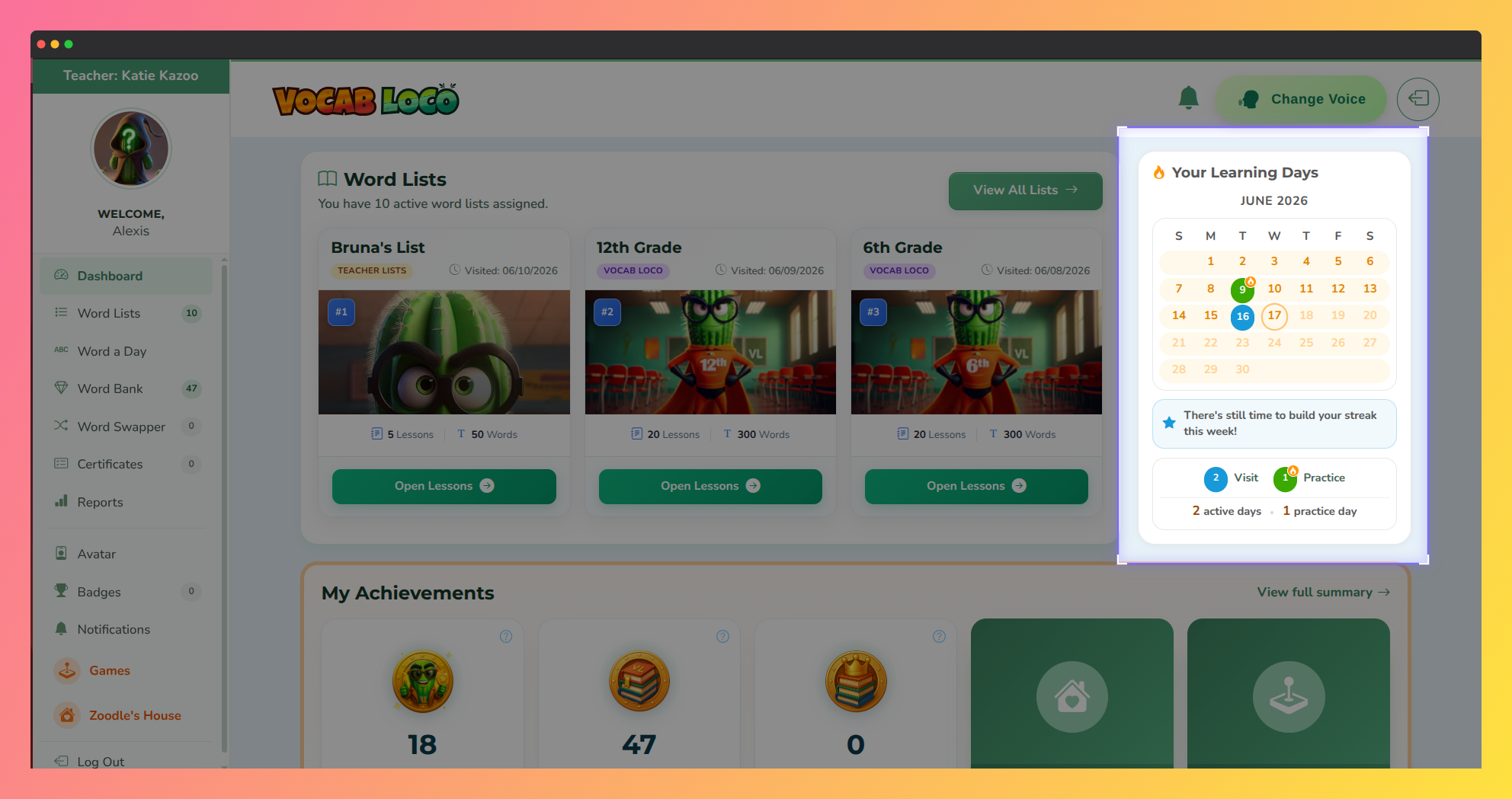
Screenshot showing the Learning Days widget on the Vocab Loco student dashboard.
Understanding the day types
Each day on the calendar is marked differently depending on what you did:
- Practice day — you logged in and completed at least one activity. These days show a fire icon and are highlighted to celebrate your effort.
- Visit day — you logged in but did not complete any activities that day.
- Empty day — no visit was recorded for that day.
Try to turn as many days as possible into Practice days! Completing at least one activity each day is the best way to build your vocabulary over time.
Reading your monthly totals
At the bottom of the calendar you will see a summary with two numbers: your total active days (every day you visited Vocab Loco that month) and your total practice days (every day you actually completed an activity). The goal is to keep those two numbers as close to each other as possible.
The feedback message
Below the calendar you will find a short message that responds to your activity. The more you practice, the more encouraging the message becomes. It is there to cheer you on and remind you that small, daily practice adds up fast.
Was this article helpful?
That’s Great!
Thank you for your feedback
Sorry! We couldn't be helpful
Thank you for your feedback
Feedback sent
We appreciate your effort and will try to fix the article