Spelling and Vocabulary Tests are the graded activities in your lessons — they're marked with a ⭐ star on your activities page. Passing a test banks the words from that lesson and counts toward your lesson progress.
Step 1: Open the test from your lesson
- Inside a lesson, go to your Activities page. The Spelling Test and Vocabulary Test cards are marked with a yellow ⭐ star to set them apart from regular practice activities.
- Click either test card to start. If the card shows a grade, you've already taken it — click it again to review your result or retake it if your teacher allows more attempts.
Step 2: Take a Spelling Test
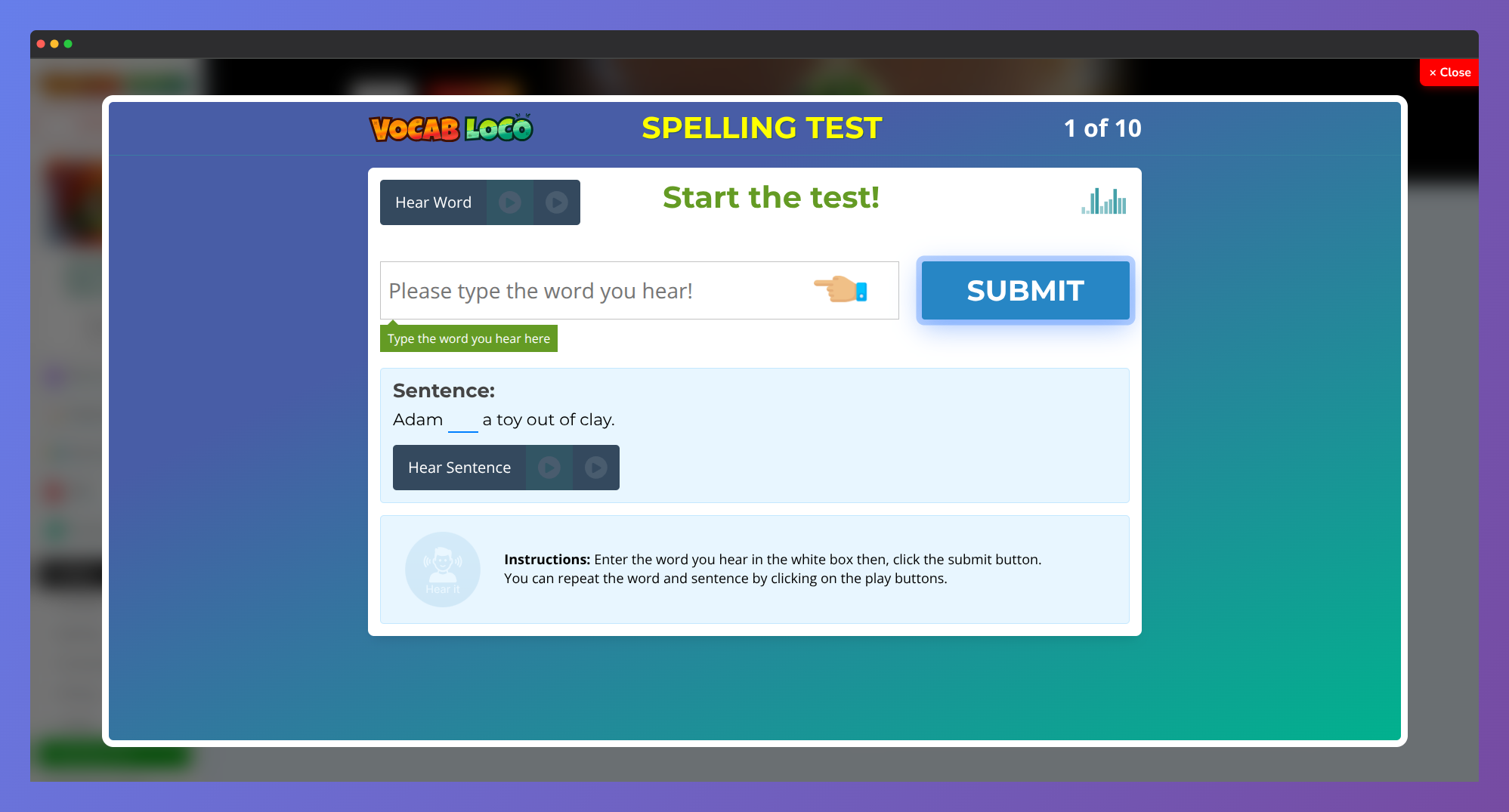
- Click START to begin. For each word in the lesson, you'll hear it spoken aloud and see a sentence using that word for context.
- Type the word you hear in the input box. Use the Hear Word and Hear Sentence buttons to replay the audio as many times as you need before submitting.
- Click SUBMIT to move to the next word. Repeat for every word in the list.
Step 3: Take a Vocabulary Test
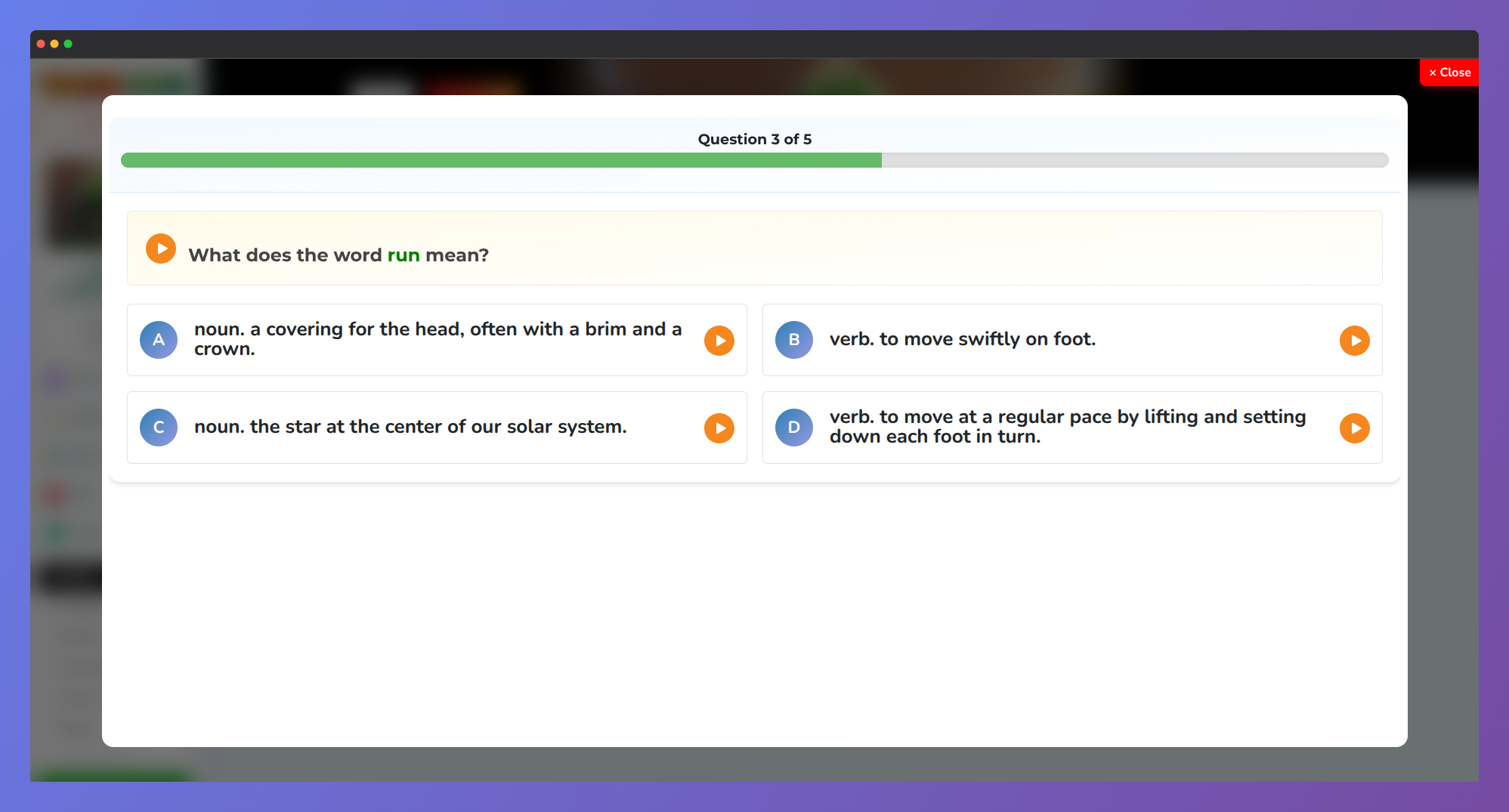
- Each question shows a definition, a sentence with a missing word, or asks for a synonym or antonym. Read it carefully — or click Read To Me to hear it out loud.
- Choose one of the four options — A, B, C, or D. You can also press those keys on your keyboard to make your selection faster.
- Click Submit to confirm your answer and move to the next question. If you change your mind before submitting, click Redo to deselect and choose again.
Step 4: Review and submit your answers
- Spelling Test only: After answering all words, a Review Words screen appears showing everything you typed. Check your answers one more time, replay any word if needed, then click Submit to Grade to send your test for grading.
- Vocabulary Test: Results appear automatically after the last question — no extra step needed.
Step 5: Check your results
- The results screen shows your score as a percentage and a full breakdown of every word or question — what you answered and whether it was correct.
- Your grade appears on the test card back in your lesson:
- Green grade — you passed! The words from this lesson are added to your Banked Words.
- Red grade or Needs Redo — you didn't reach the passing score. Go back to your practice activities, then try the test again.
- On a Spelling Test, you can also click Print Out on the results screen to print a copy of your test.
? Before taking a test, use the Spelling and Vocabulary practice activities in the same lesson to review the words — students who practice first almost always score higher on the test.
Was this article helpful?
That’s Great!
Thank you for your feedback
Sorry! We couldn't be helpful
Thank you for your feedback
Feedback sent
We appreciate your effort and will try to fix the article