A: Vocab Loco supports multiple rostering options for schools and districts using School Admin accounts, including Bulk Rostering, Clever Library, and ClassLink.
Vocab Loco offers flexible rostering solutions designed for schools, districts, teachers, and administrators. Choose the setup method that works best for your organization.
Bulk Rostering
You can upload a roster of students and teachers, and our team will create the accounts for you. Simply contact us to request the roster template and get started.
Clever Library
If your teachers use Clever Library, they can add the Vocab Loco app directly to their Clever dashboard. Once a teacher launches the app, students are automatically rostered into Vocab Loco.
School administrators can connect teachers to their Super User account through the Manage Teachers section.
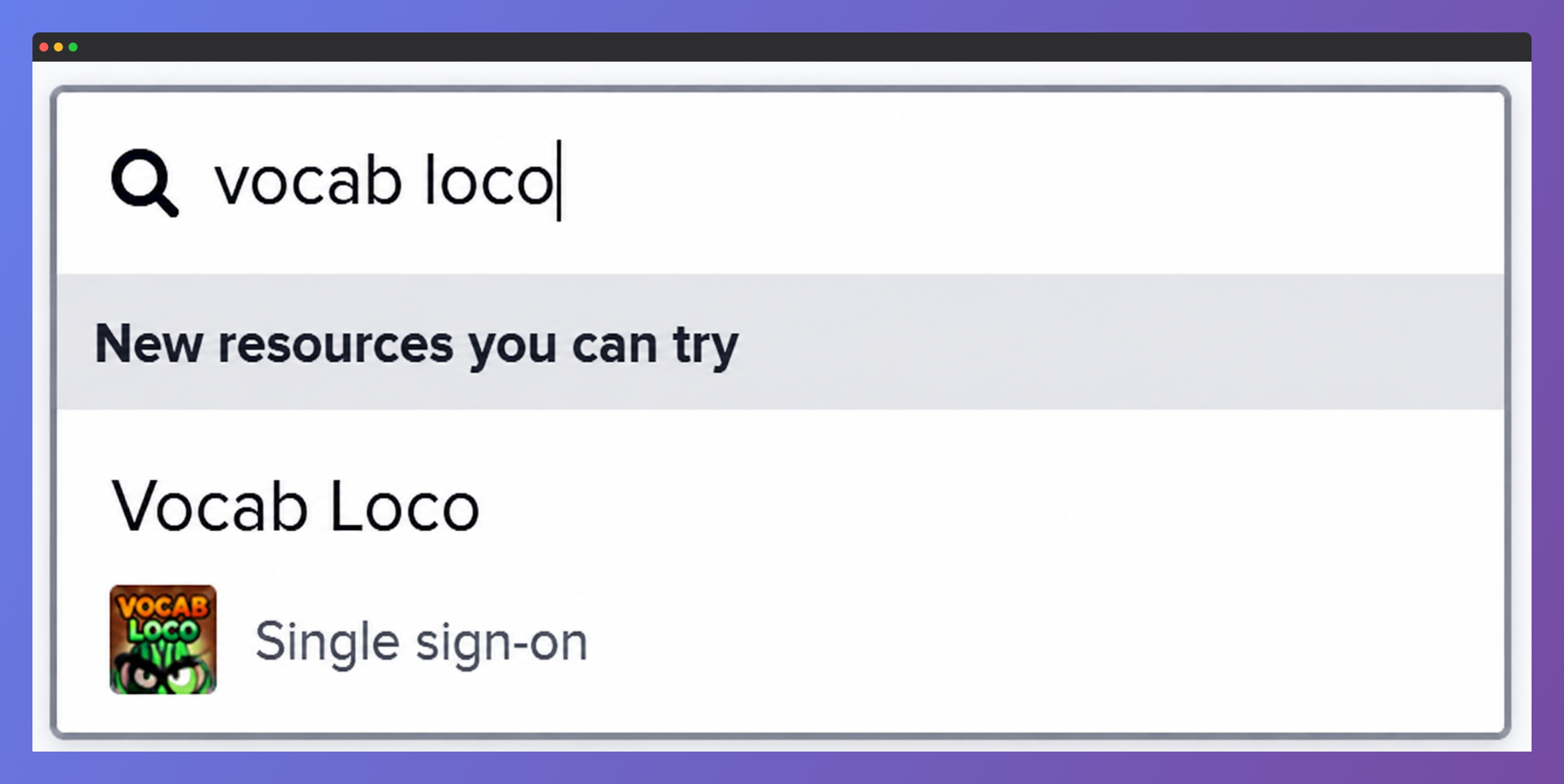
Screenshot of Clever Library search results displaying the Vocab Loco Single Sign-On app, which teachers can add to their Clever dashboard for automatic student rostering and easy account access.
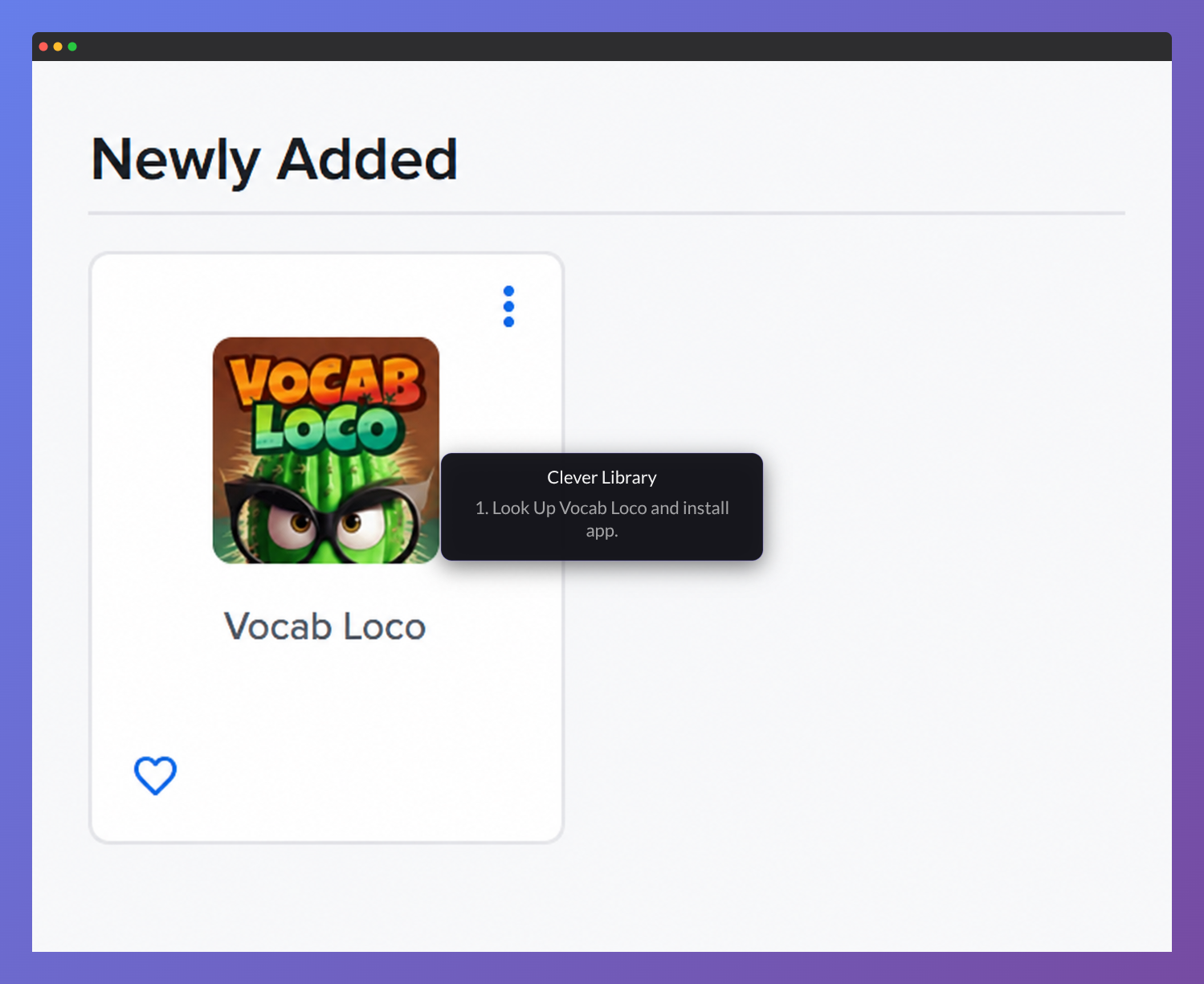
Screenshot of the Clever Library Newly Added section displaying the Vocab Loco app card, which teachers can install for single sign-on access and automatic student rostering.
Important: The Vocab Loco app is available through Clever Library only and is not currently supported through Clever District rostering.
Teachers and students can access Vocab Loco directly from the Vocab Loco app icon inside Clever Library.
ClassLink
If your district uses ClassLink, we can roster students and teachers through the ClassLink platform using OneRoster integration.
Please ask your ClassLink administrator to send us an authorization request to begin setup.
Was this article helpful?
That’s Great!
Thank you for your feedback
Sorry! We couldn't be helpful
Thank you for your feedback
Feedback sent
We appreciate your effort and will try to fix the article